

When to generate an audit report
Generate an audit report when you:- Finish implementing core logic and want a security review before deployment
- Make major changes (permissions, token flows, account validation, PDA derivations, upgrades)
- Prepare for Mainnet and want a final pre-launch check
Noah’s audit report is a strong automated baseline. For mainnet deployments,
consider a full manual review from a professional auditor as an additional
layer of assurance.
Generate an audit report
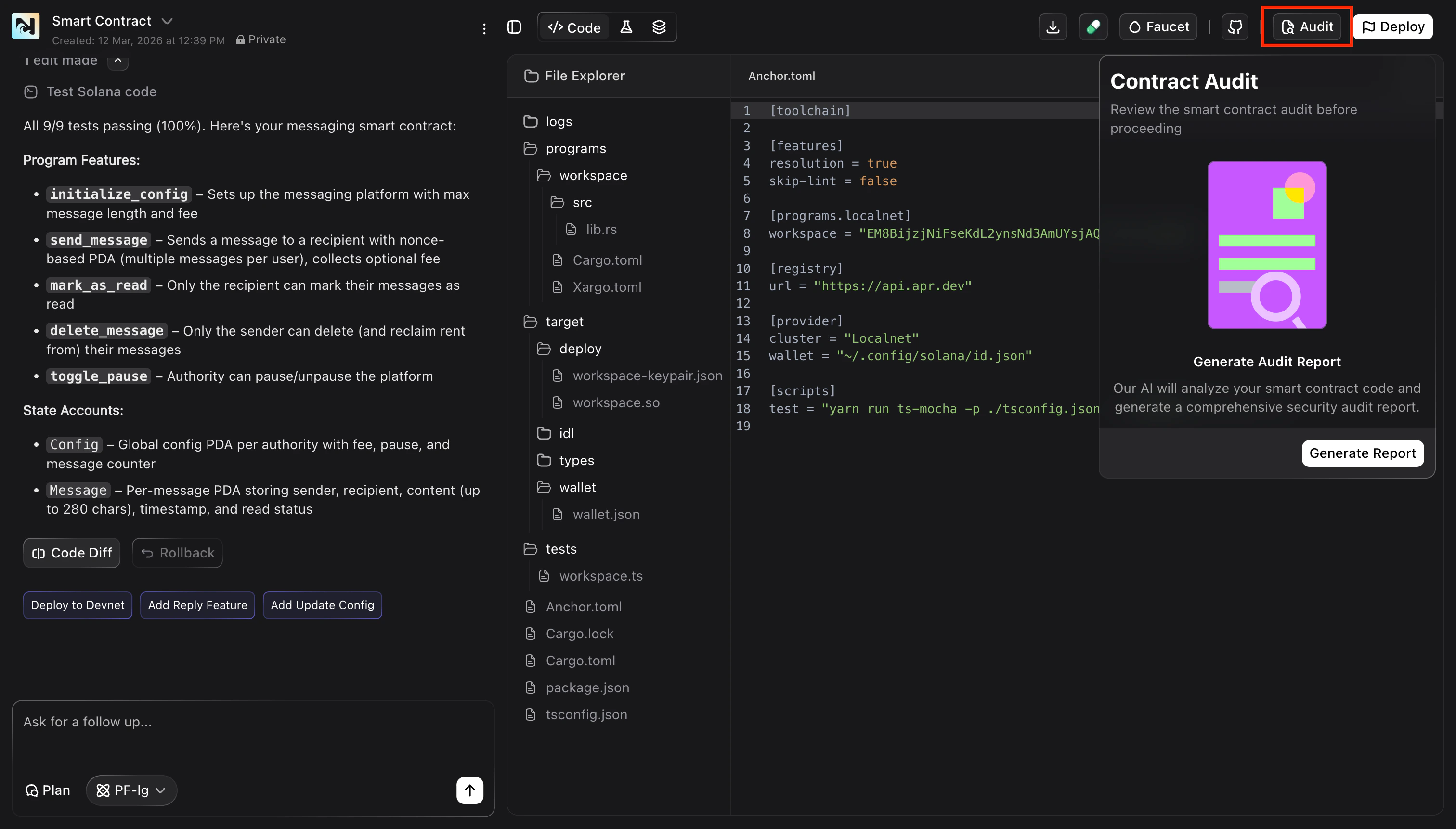
Generate the report
In the Contract Audit panel, click Generate Report.You’ll see a Generating Report state while the analysis runs.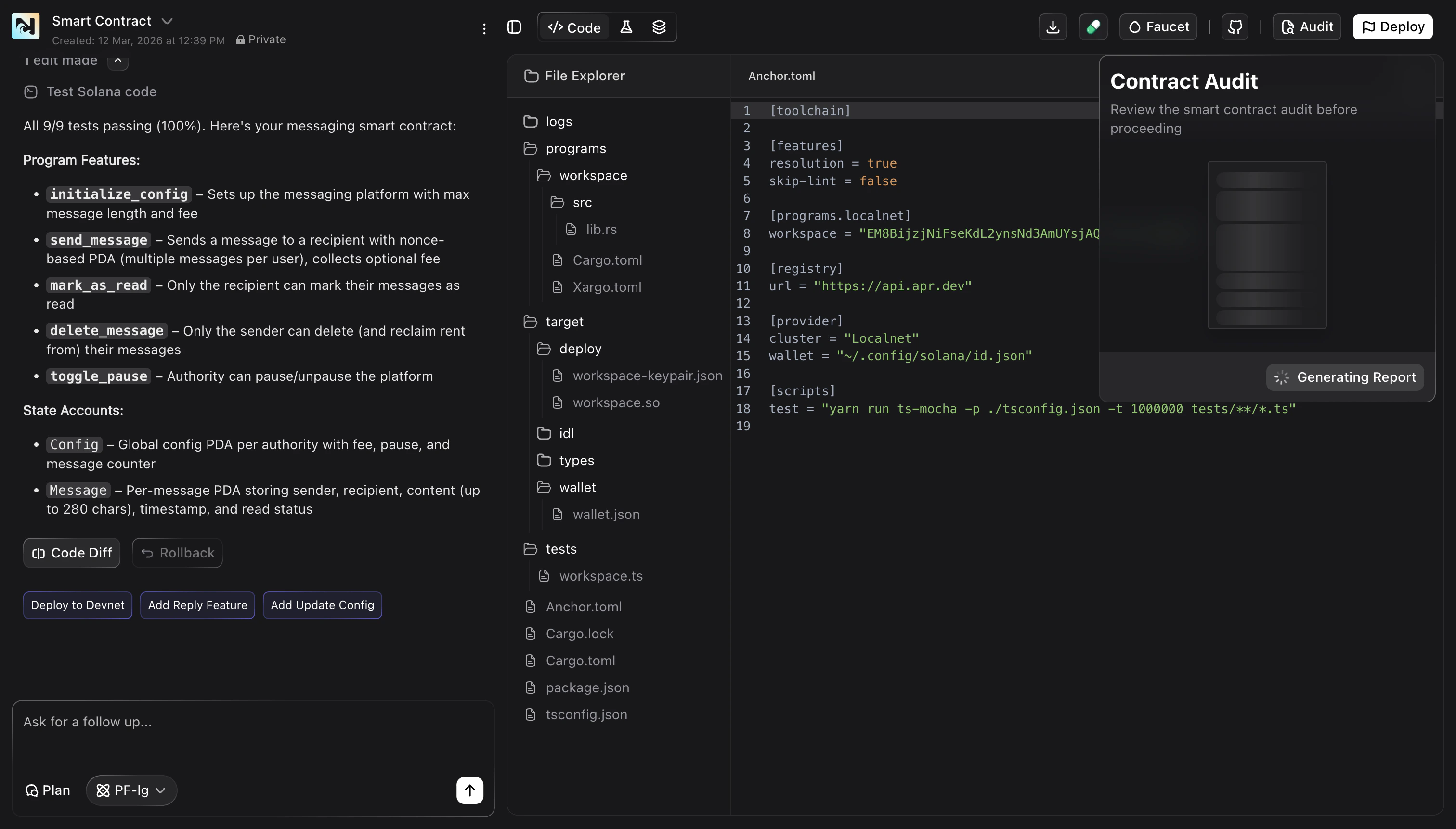
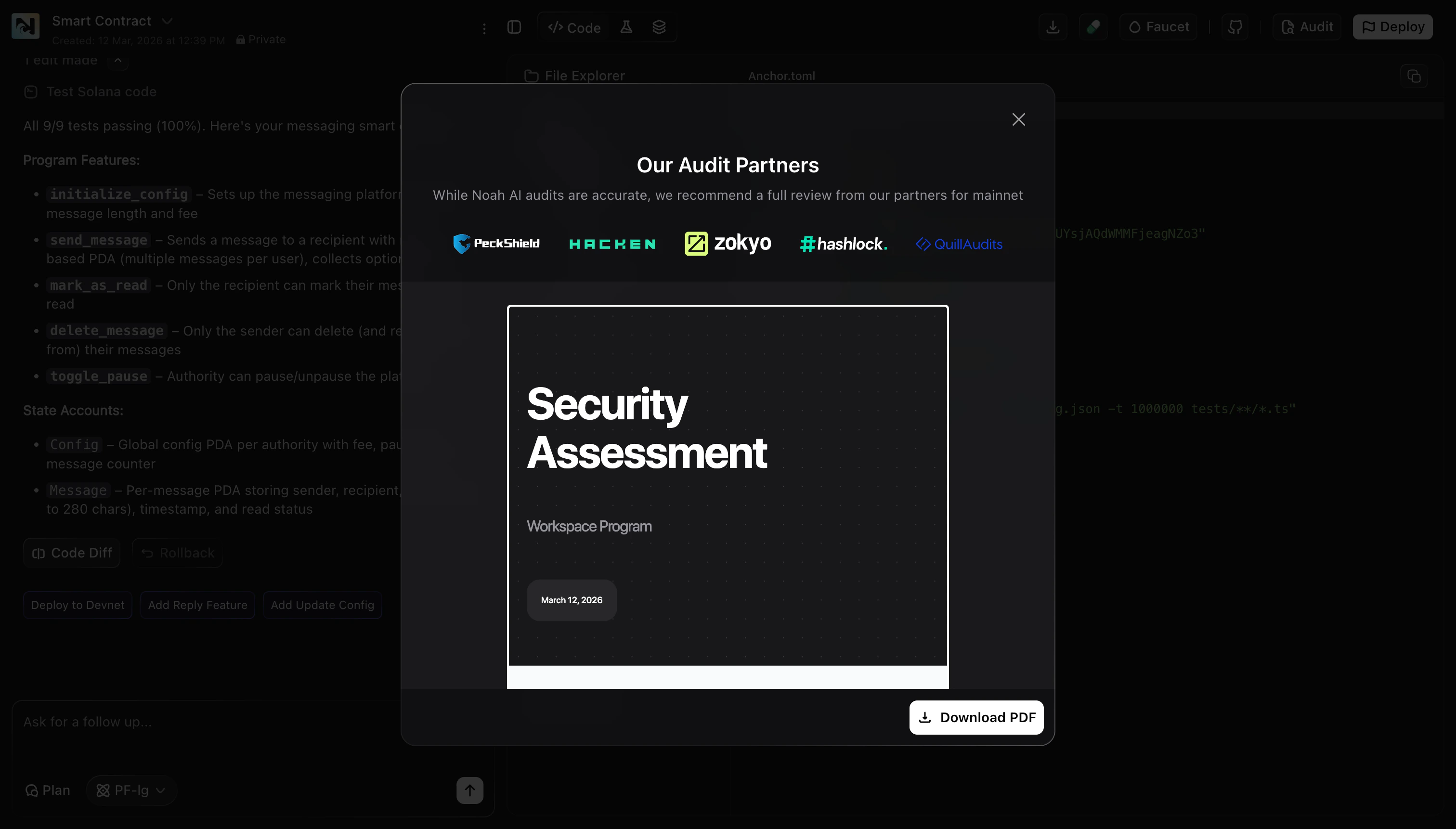
What you get
- A downloadable PDF security assessment for your smart contract
- Actionable findings you can use to improve safety and robustness before deploying
Tips
- Run tests first: generate the audit report after your contract tests pass so the analysis reflects a stable implementation.
- Iterate: apply fixes, then re-generate the report to confirm improvements.
- Treat it as a checklist: use the report to guide best-practice hardening before Mainnet.
FAQ
Does generating an audit report deploy anything?
Does generating an audit report deploy anything?
No. Generating an audit report only analyzes your smart contract and produces a PDF. It does not deploy or publish your project.
Where do I find the finished report?
Where do I find the finished report?
When the audit completes, a modal opens with a preview. Click Download PDF
to save it locally.
How long does it take?
How long does it take?
Most reports generate in under a minute, but timing depends on contract size and project complexity.