

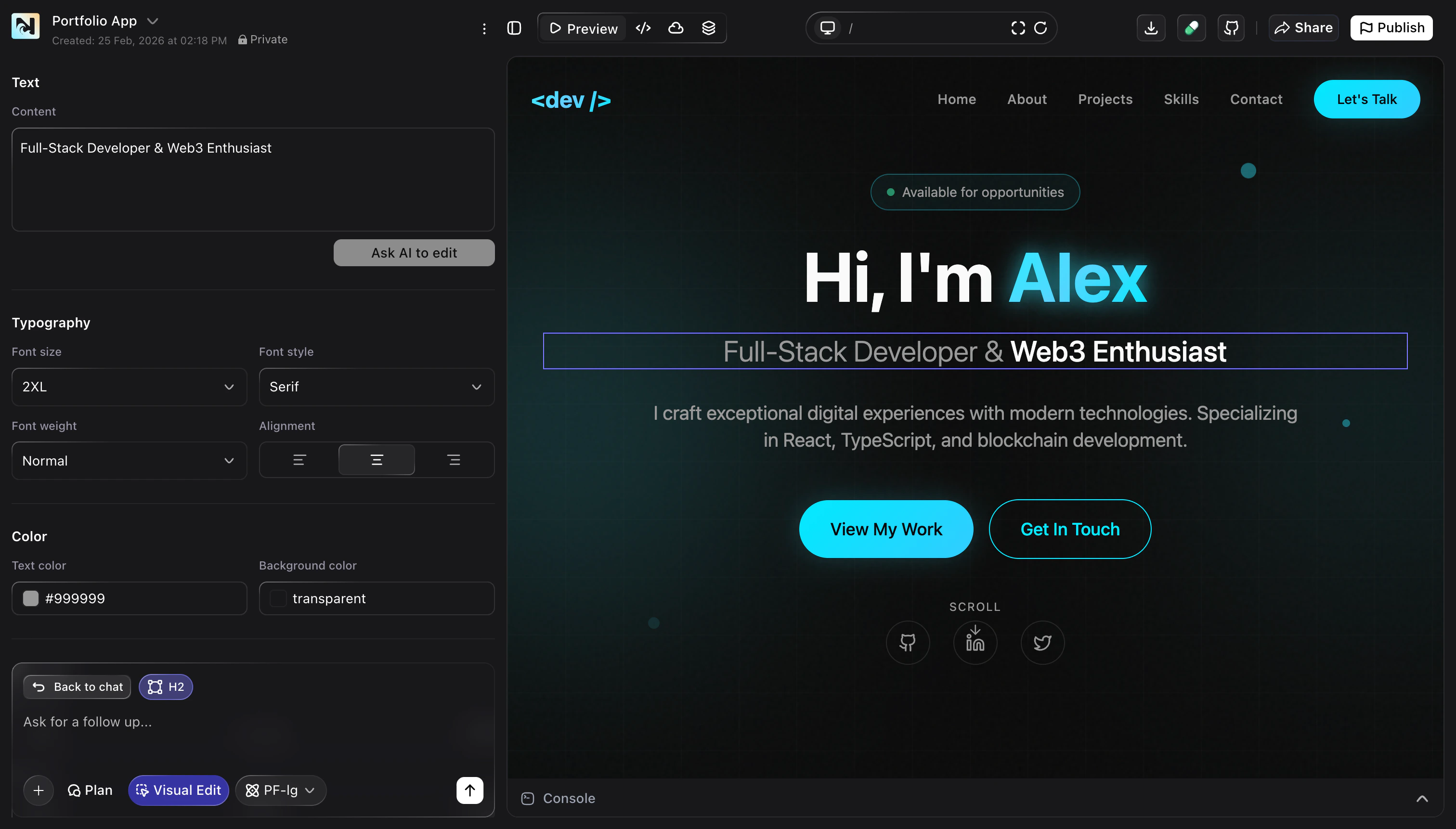
- Adjust copy, headings, and labels directly in context.
- Fine‑tune typography, colors, and alignment for specific sections.
- Experiment with layout changes before committing to a new design.
Edit your Noah project directly on the page — adjust text, layout, and styles visually without touching code.