

When to Use This
Sharing a single Supabase project across Noah apps is useful when you want to:- Power multiple frontends (e.g., customer site and admin panel) with the same data
- Keep authentication, storage, and APIs consistent across builds
- Test new UI designs without duplicating your backend
- Bring an existing Supabase database into Noah and focus entirely on the UI
Connect an Existing Supabase Project
Open the Cloud Tab or Settings
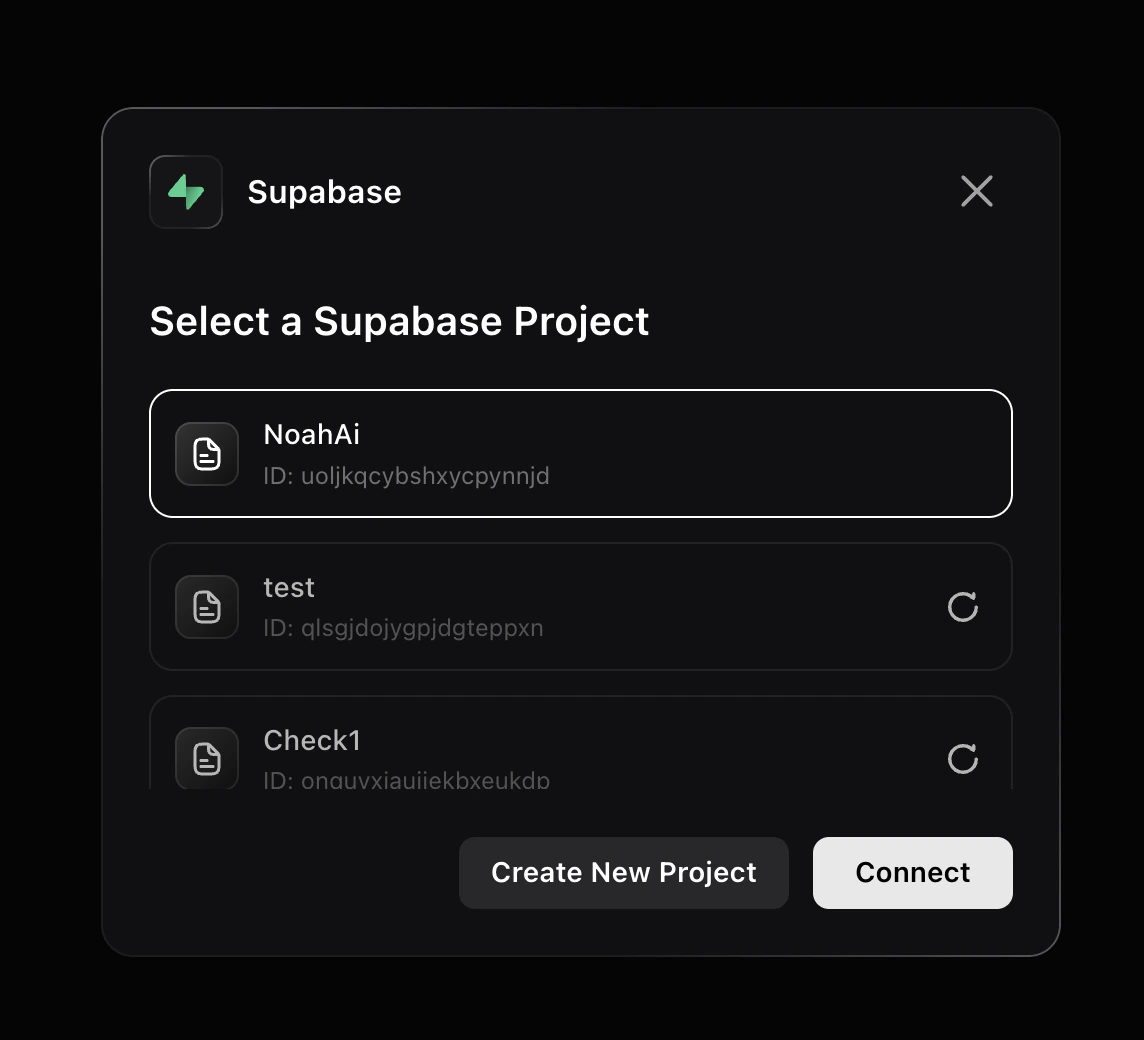
In your Noah project, click the Cloud tab in the toolbar, or go to Settings → Integration and click Connect next to Supabase.
Authorize Noah AI
A Supabase authorization page opens. Review the permissions, select your organization, and click Authorize Noah AI.
Best Practices
Start with your schema
Start with your schema
In your first prompt, mention the tables and fields you need so Noah knows what to work with.Example:
- Table: Users → Fields: Name, Email, Date joined
- Table: Orders → Fields: Order ID, Status, Amount
Describe your setup
Describe your setup
If your database is already live, say so. Noah will not auto-detect the schema unless you explain it in the chat.
List the pages you want
List the pages you want
Tell Noah exactly what you need.Example: “Create a Users page showing Name and Email, and an Orders page showing Status and Amount.”
One project, one purpose
One project, one purpose
Keep Noah projects focused. For example:
- One for your user-facing app
- One for your internal dashboard
When Noah generates migration scripts
When Noah generates migration scripts
Only push the script if you want to update the actual database.
- Push when: You are adding new fields or tables
- Do not push when: Your schema already includes everything you need
If multiple apps share the database
If multiple apps share the database
Try it in a test project first
Try it in a test project first
Exploring ideas? Connect to a test Supabase project before making changes to production.
Troubleshooting
I don't see my Supabase project in Noah
I don't see my Supabase project in Noah
After signing in to Supabase, the project list is empty.
- Make sure you are signed in to the correct Supabase account
- Check that you selected the right organization during authorization
Changes in one Noah project affect another
Changes in one Noah project affect another
Updating the database in one Noah project instantly affects another.
- This is expected behavior when projects share a database
- To isolate changes, connect each Noah project to a separate Supabase project