

- Execute on the server, not the user’s device
- Can store and use secrets securely
- Can be triggered from your UI or other backend processes
Create an Edge Function
Just describe what you need in Noah’s chat. Noah will generate the function, deploy it to Supabase, and wire it into your app automatically. Examples:- Write the function code
- Prompt you for any required secrets (like API keys)
- Deploy the function to your connected Supabase project
- Connect it to the relevant part of your app
View Your Edge Functions
To see all deployed functions, open the Cloud tab in Noah’s toolbar and click Edge Functions in the sidebar.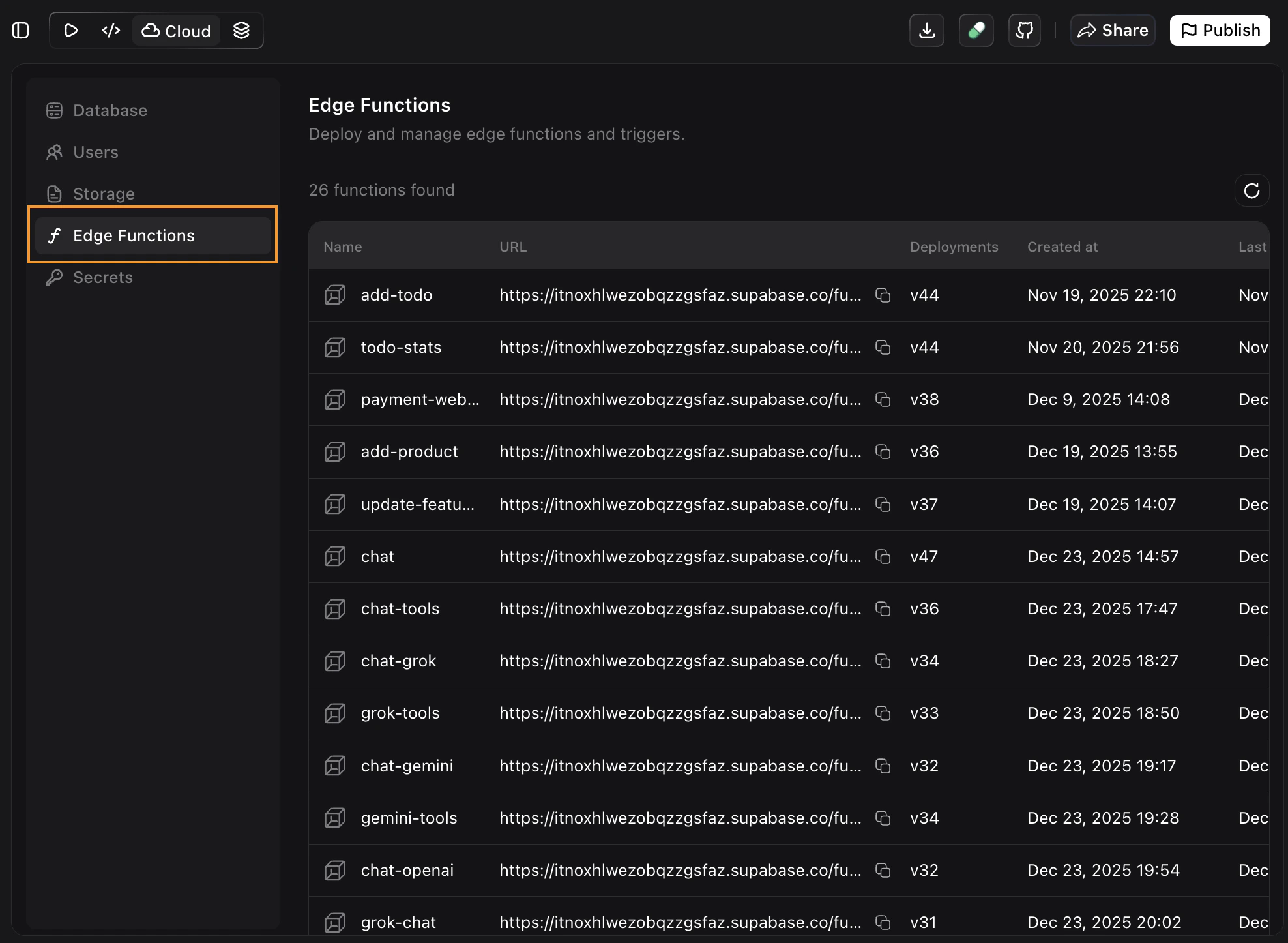
Secrets Management
You can manage all your edge function secrets directly from Noah. Open the Cloud tab and click Secrets in the sidebar.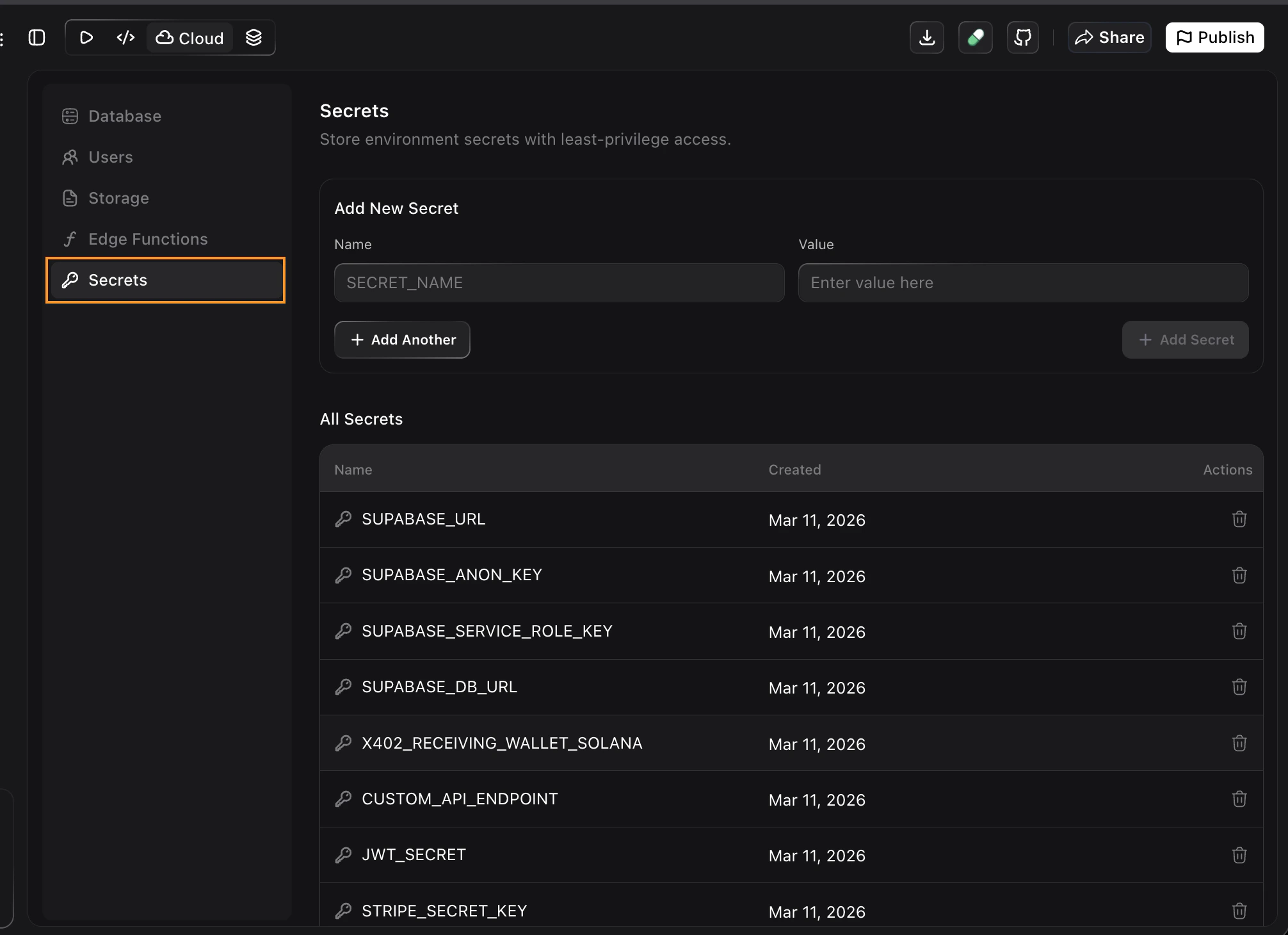
- Add a new secret — enter a name and value, then click + Add Secret
- Add multiple secrets at once — click + Add Another to add more fields before saving
- Delete a secret — click the trash icon next to any secret in the list
Calling Edge Functions
Once deployed, Noah automatically connects the function to your app. You can also ask for specific triggers:- After user actions like signups, button clicks, or form submissions
- On a schedule or from other backend processes
- As part of a workflow (e.g., “When a user places an order, call the payment function”)
Troubleshooting
Function not working as expected
Function not working as expected
The edge function is deployed but not behaving correctly.
- Describe the problem clearly in chat, for example: “The payment function is returning an error when users check out”
- Noah will inspect the function, apply fixes, and redeploy it
Deployment failed
Deployment failed
Noah shows an error when trying to push the function to Supabase.
- Make sure your Supabase project is still connected in the Cloud tab
- Try disconnecting and reconnecting Supabase, then ask Noah to redeploy
Function is missing from the list
Function is missing from the list
You created a function but it does not appear in the Edge Functions panel.
- Click the refresh button in the Edge Functions panel
- Verify you are connected to the correct Supabase project