

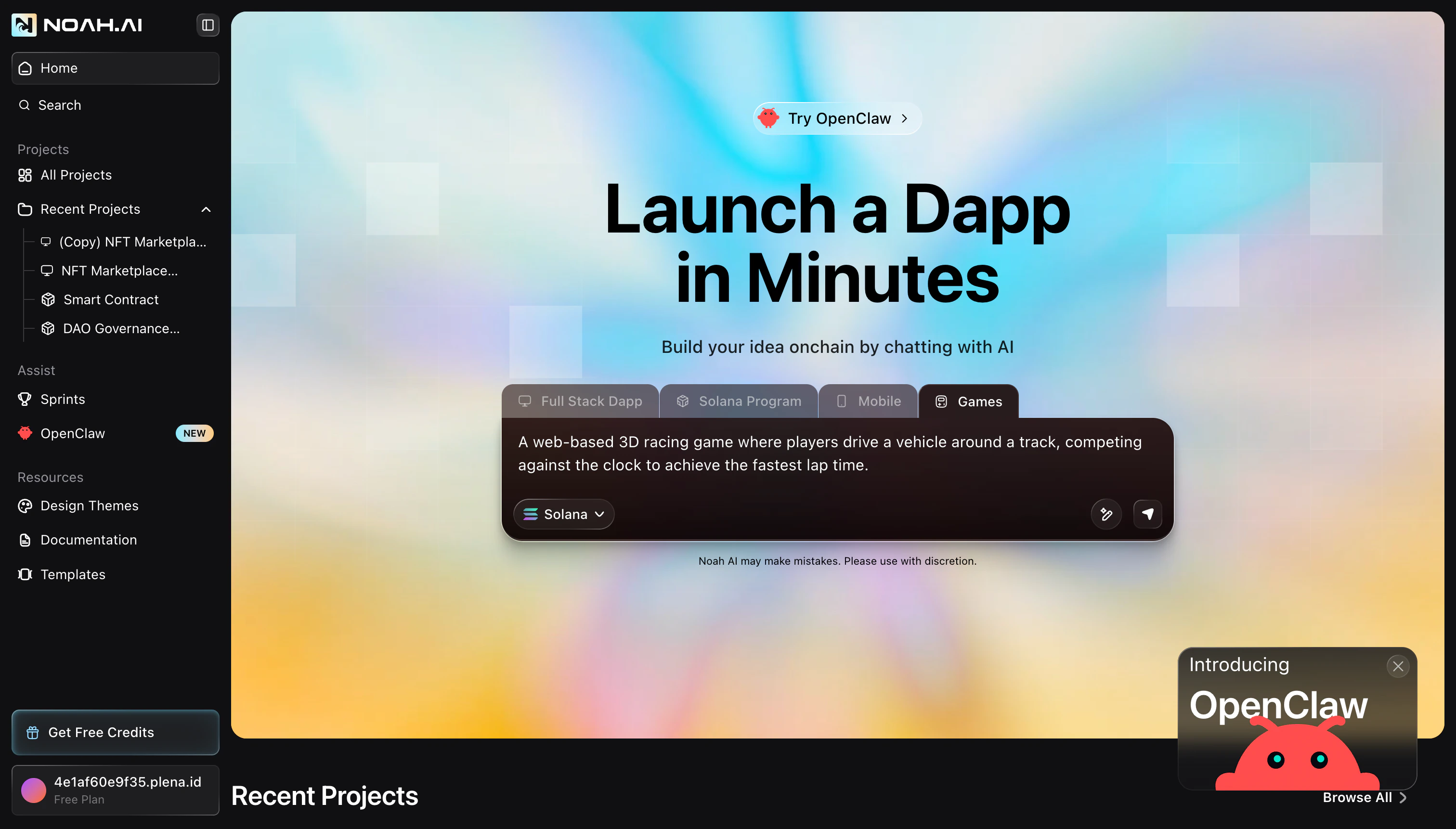
Start from a Game Prompt
You can launch a new game project directly from the Launch screen.Choose Games in the launcher
On the home screen, select the Games option in the project selector (next to Full Stack Dapp, Solana Program, and Mobile).
Describe your game idea
Type a prompt like “A web-based 3D racing game where players drive around a track, competing against the clock to achieve the fastest lap time.” Include details about the environment, camera, and difficulty if you already know what you want.
Refine Gameplay and World
Once the first version of your game is ready, Noah shows a summary of what Ludex AI built — including track layout, vehicle behavior, gameplay rules, controls, and visual polish. You can then ask for targeted improvements using prompts.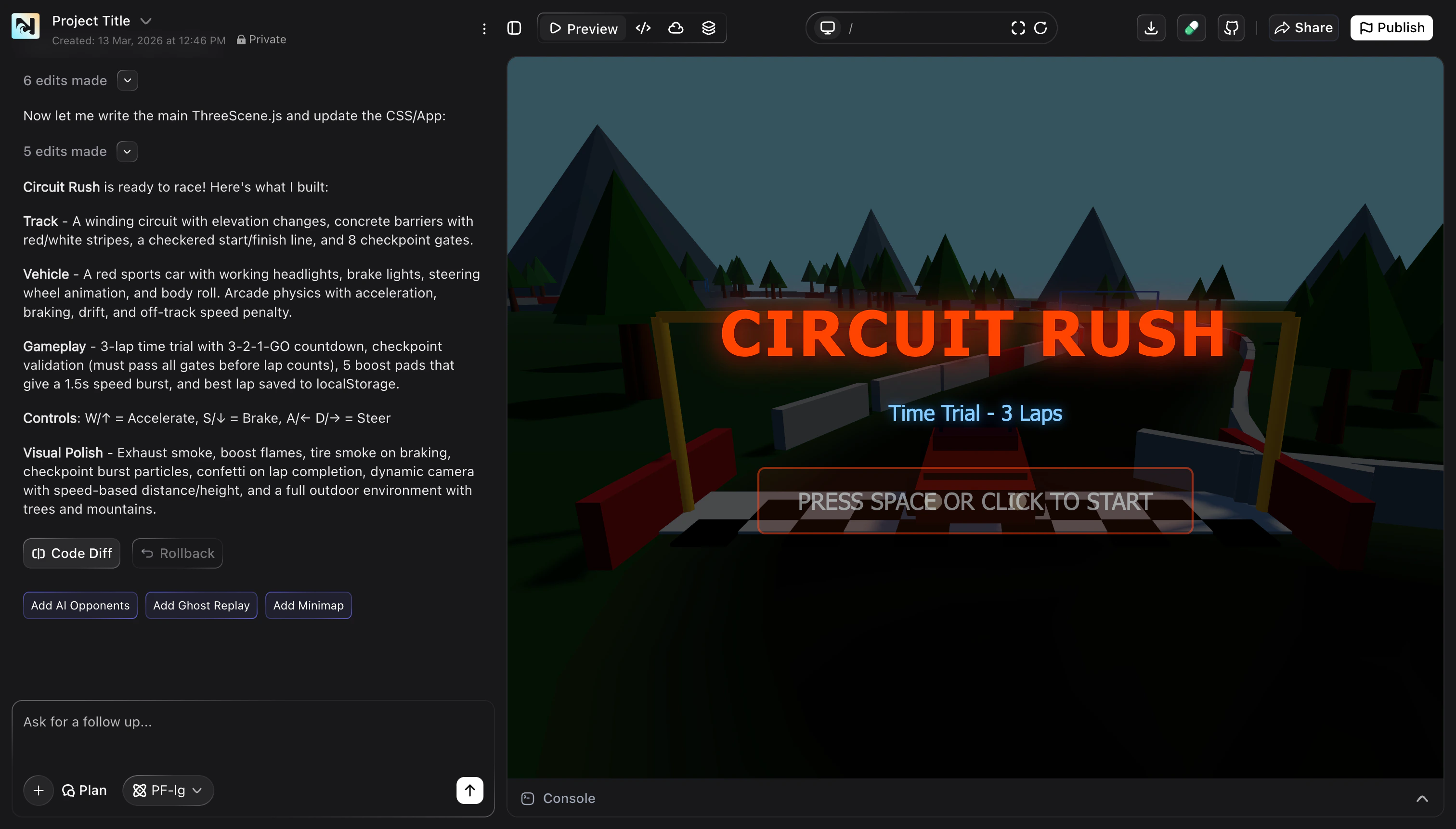
- Track — layout, checkpoints, and obstacles.
- Vehicle — handling, acceleration, and visual style.
- Gameplay — lap count, timers, boosts, and win conditions.
- Controls & polish — key bindings, effects, and UI overlays.
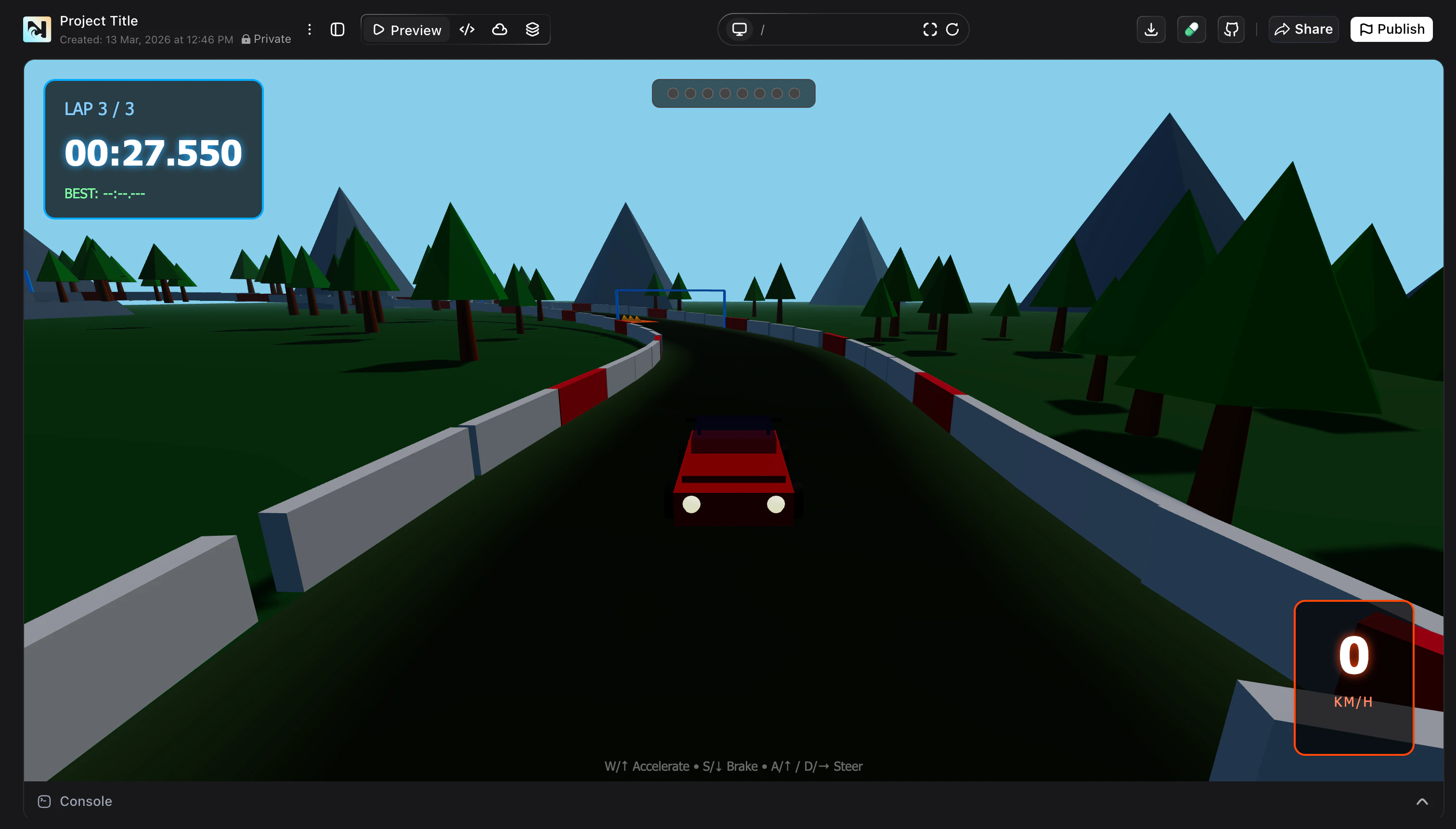
Playtest your game
Use the in-editor preview to drive, jump, or explore your level and feel the gameplay moment to moment.
Ask for specific changes
Request updates like “Add AI opponents”, “Increase car speed and shorten lap time”, or “Add ghost replay and minimap”. Noah and Ludex apply changes and update the summary.
Preview, Debug, and Web3 Integrations
Your game runs inside Noah’s live preview so you can see every change as you iterate.- Learn how to inspect errors and use Fix with AI in Preview & Debug.
- If your game uses onchain logic (for example, rewards, NFTs, or leaderboards), create or extend contracts with Build Smart Contracts.
- When integrating external protocols, follow Protocol Integration and check Supported Chains to see which networks Noah currently supports.
- For smart contract–powered game logic, explore how automated tests work in Testing Tools.
Game Types You Can Build
Racing Games
Circuit-style racers, checkpoint challenges, and time trials with lap timers and boosts.
Arcade & Casual
Lightweight games like runners, fruit slicers, and obstacle dodgers you can share in a browser.
Puzzle & Strategy
Grid-based puzzles, Sokoban-style experiences, and turn-based strategy prototypes.
Web3-Enabled Games
Games that use wallets, NFTs, or tokens for items, leaderboards, and creator economies.
Branded Experiences
Mini-games for campaigns, communities, or launches that match your brand’s look and feel.
Experiments & Prototypes
Fast prototypes to validate mechanics, art direction, or new Web3 game ideas before full production.
Launch and Share Your Game
When you are happy with your game, you can publish it so others can play.- Use Noah’s deploy flows to put your game online as a dapp. See Dapp Publish for end-to-end deployment steps.
- If your game depends on a separate onchain program or contract, follow Program Publish to deploy it to Devnet or Mainnet.
- Share the live URL with your community, or embed it in your site, docs, or marketing.
Start Building Games
Describe your game idea, generate a 3D prototype with Ludex AI, and start playtesting in minutes.