

How to Launch
From your bot’s dashboard, click the Launch Token button.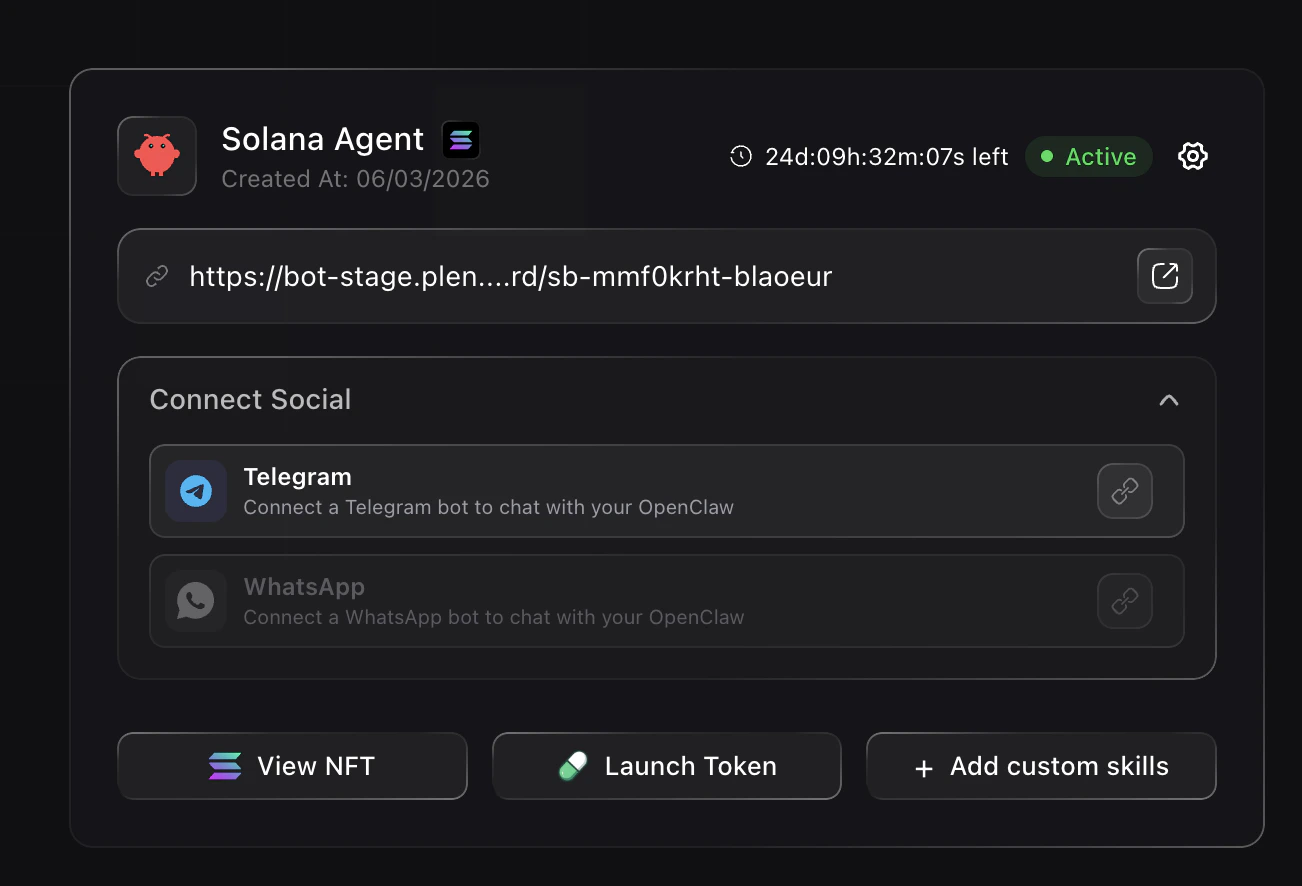
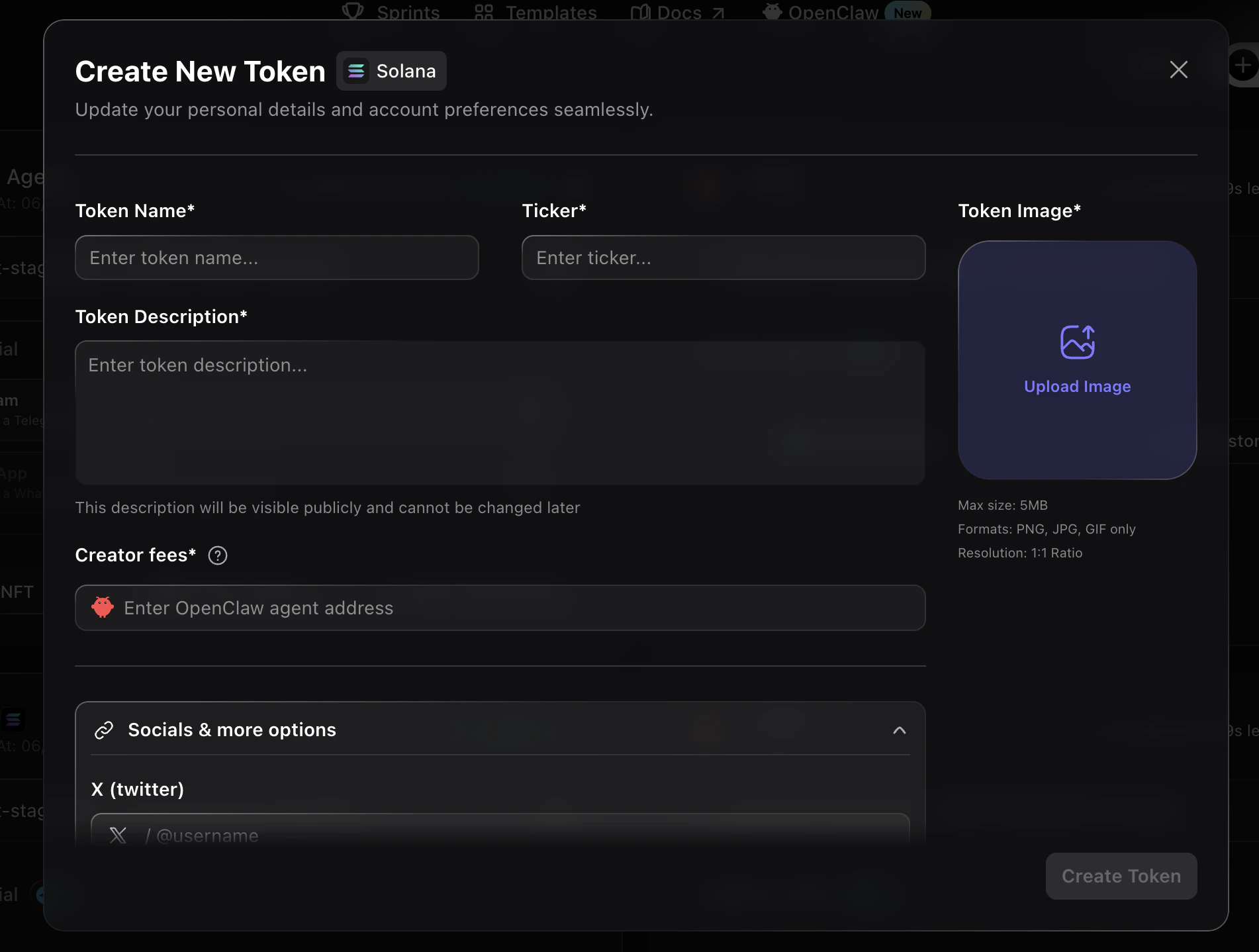
- Token Name — Name of your token
- Ticker — Short symbol for your token
- Token Image — Upload a logo (PNG, JPG, or GIF, max 5MB, 1:1 ratio)
- Token Description — Visible publicly and cannot be changed later
- Creator fees — Enter your OpenClaw agent address
- Socials & more options — Add your X (Twitter) and other links
Revenue Model
When you launch a token via Noah on Pump.fun, the revenue is split:You (the Creator) Earn From
- Creator fees (50%)
- Token holdings
Your Bot Earns From
- Its share of creator fees (50%)
Wallet Setup
You have two options for your bot’s wallet:- Connect your existing wallet — You decide what the agent is allowed to do
- Let the agent create a fresh wallet — A dedicated wallet just for this bot
The Self-Funding Loop
Once a token is launched, your bot can run a continuous funding loop:
You don’t need to keep topping up manually. Your bot participates economically and keeps operating on its own.
What Your Bot Can Do Once Funded
A funded bot can continuously:- Launch and scale tokenized products
- Manage and moderate community channels
- Run growth experiments
- Track performance and optimize strategies